
















 4+ yearsbuilding FiveM resources, starting on our own server
 3 frameworksESX, QBCore and Qbox
 Server-sidetriggers, events and payouts checked on the server
 Instantdelivery to your CFX Portal the moment you pay
Featured scripts

Add-on
OOS Autocab
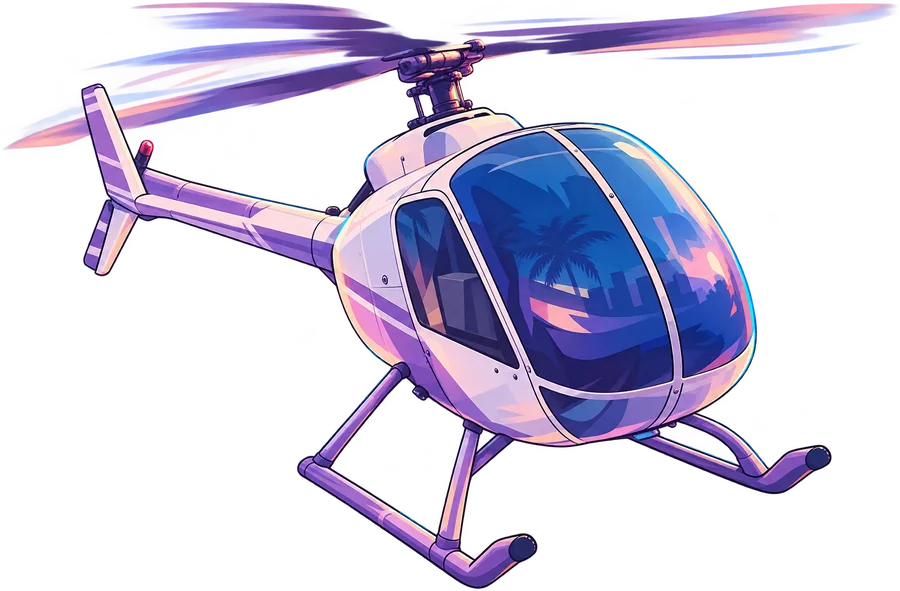
Driverless cabs for OOS Ride. Riders book one in the app and nobody's at the wheel.

ESXQBCoreQbox
OOS Advanced Chat
A clean chat with a staff panel in-game. Change commands and filters while players are online.

Every OOS script, one price.
OOS Ride, OOS Autocab, OOS Advanced Chat and OOS Notify in one purchase. First order? NEWCUSTOMER10 takes another 10% off.


The OOS standard
Every script ships with this.

Light and locked down
Efficient code that keeps resmon low. Triggers, events and payouts are checked on the server instead of trusted from the client.
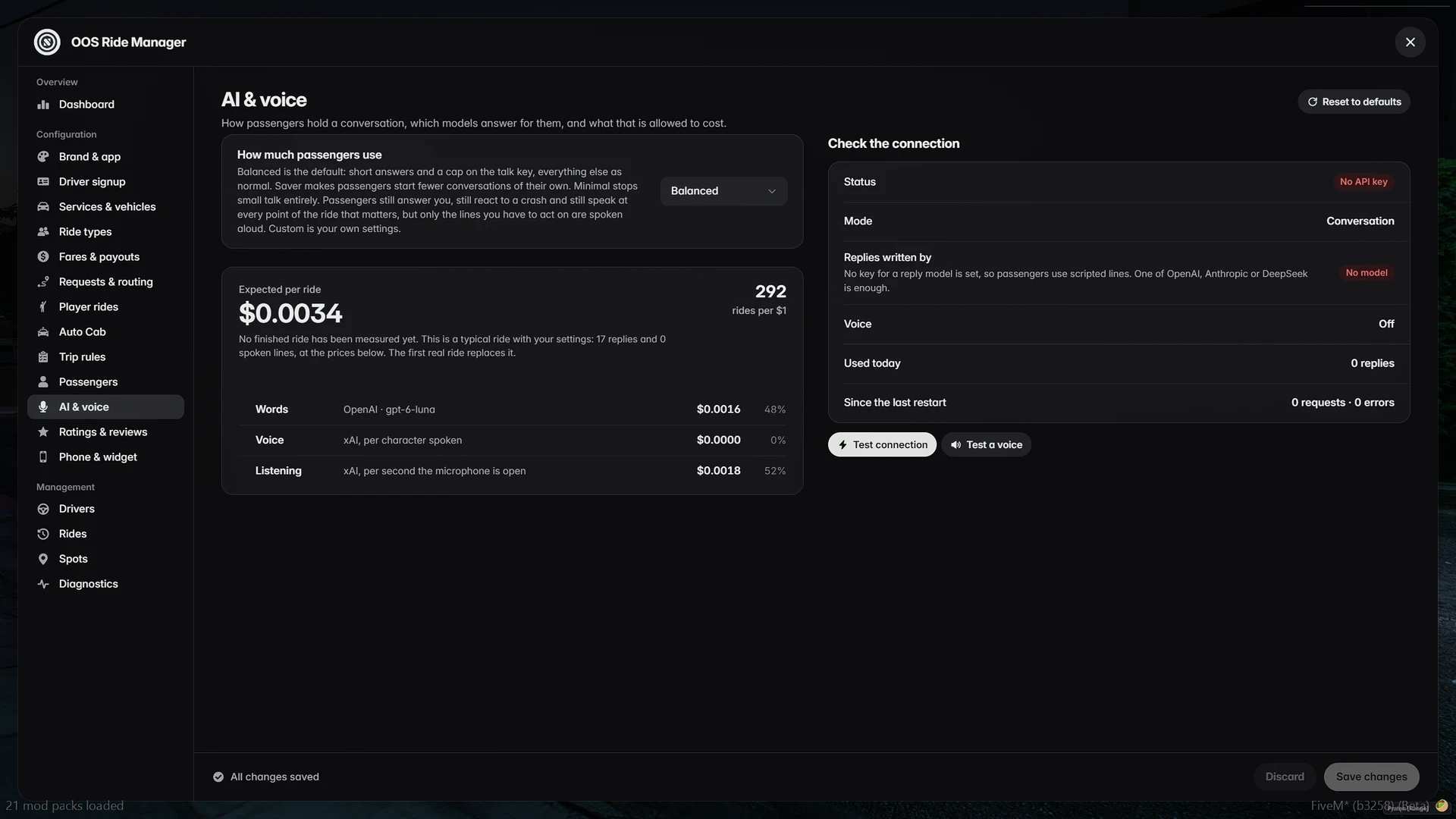
Set up in-game
OOS Ride, OOS Autocab and OOS Advanced Chat each come with an in-game admin panel, so setup happens where you can see it. OOS Notify keeps it to one config file.
Very fast with customer service.Jamarcus M. · Trustpilot
I purchased a script from OOS Script that functioned flawlessly on my server. Their support is also fast and straightforward.James · Trustpilot

Real support
Most tickets get a reply within a few hours. The AI assistant in our Discord answers any time of day. Read the reviews
Getting started
Read the full guideFrom checkout to running in four steps.
- 01
Check out
Log in with FiveM and pay with any of 120+ methods through Tebex.
- 02
Download
Open your CFX Portal and find it under Granted Assets.
- 03
Drop it in
Put the folder in your resources and add one line to server.cfg.
ensure oos-script - 04
Set it up
Most settings live in the in-game panel or the config file.
Before you buy
Questions we get a lot.
Something else on your mind? Ask in our Discord. Most tickets get a reply within a few hours.
How fast do I get it?
Usually within a minute. Tebex delivers it to your CFX Portal under Granted Assets, on the FiveM account you log in with at checkout.
Which frameworks are supported?
ESX, QBCore and Qbox. OOS Ride also runs standalone or with a bridge for a custom framework, and OOS Notify works standalone.
What else does my server need?
OneSync for every script except OOS Notify. OOS Ride also needs oxmysql, OOS Autocab needs OOS Ride, and OOS Advanced Chat needs server build 7290 or newer.
Can I use it on more than one server?
Yes, on every server linked to the CFX account that bought it. Reselling or sharing the files isn't allowed.
How do updates work?
New versions appear in your CFX Portal. Download, replace the folder and restart the resource. Every update is announced in our Discord.
Is the code locked?
The core is protected by Cfx.re asset escrow. The parts meant for customising stay open.
Is there a discount on my first order?
Yes. NEWCUSTOMER10 takes 10% off your first order. Enter it at the Tebex checkout. One use per CFX account.


Pick a script.
Run it tonight.
It's in your CFX Portal a minute after you pay. Your framework is already supported.
Join the Discord
Early previews of new scripts, member-only deals, and support tickets in two clicks.
Join the Discord